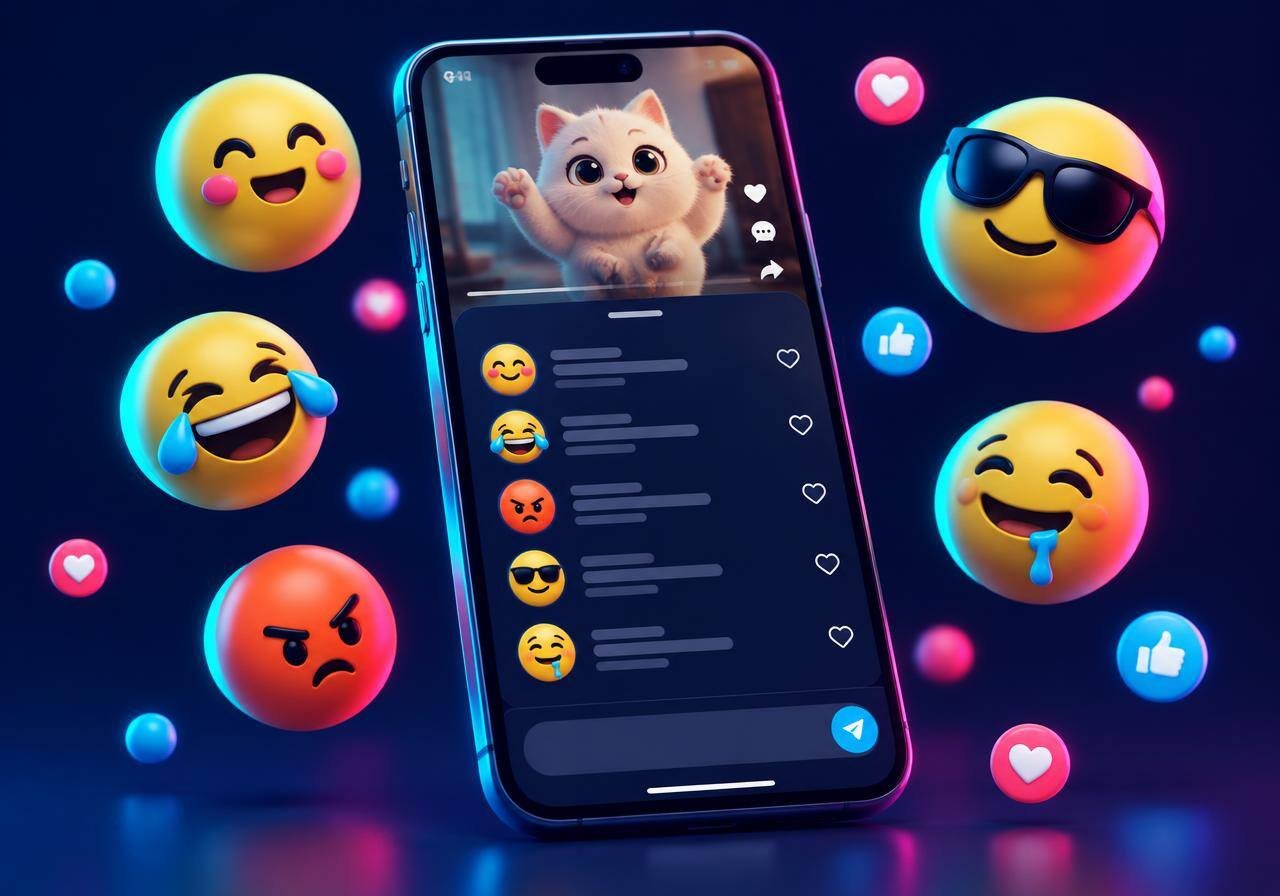
What Are TikTok Emoji Codes, Really?
I'll be honest — the first time I saw a tiny pink-cheeked face in a TikTok comment, I spent a good ten minutes hunting through my keyboard for it. It wasn't there. Turns out, it never would be.
TikTok emoji codes are little shortcuts. You type a word inside square brackets — say [wow] — and TikTok quietly replaces it with its own custom TikTok emoji. They're sort of an inside joke for people who know. And that's half the fun.
How to Use TikTok Codes Emoji (Step by Step)
- Find a code in the list above and tap it. It's copied.
- Open TikTok and go to any video's comments, your caption, or your bio.
- Paste the code. You'll see the text, like
[cool], while typing. - Hit post. Boom — the secret emoji appears.
That's it. Seriously. It takes maybe five seconds once you get the hang of it.
Quick example
My cousin posted a video of her dog "helping" with laundry (it was chaos). I commented [laughwithtears][laughwithtears] he's so proud [proud]. She replied asking how I did that. So yeah, these get noticed.
Why Use TikTok Emoji Codes Instead of Normal Emojis?
- They stand out. Regular emojis blend in. TikTok ones look different, and people's eyes stop on them.
- They feel native. Creators who use them tend to come across as "real" TikTok users, not tourists.
- They're more expressive. Something like
[wronged]or[complacent]just doesn't have a perfect normal-emoji twin.
In my opinion, [facewithrollingeyes] is the single most useful one. It says everything without saying anything.
Should You Use the Extra Codes?
Here's the thing nobody tells you: for every guide listing [smirk] or [kiss] as a "secret TikTok emoji", there's someone whose comment just showed the raw text. TikTok has never published the list, so the extra codes float around from screenshot to screenshot, and half of them are really just someone's guess at what the shortcode might be.
My advice is simple: use the 46 verified codes as your everyday set, and treat the extras as a bonus round. Nothing stops you from pasting [skull] into a comment to see what happens — worst case it stays as text and you delete it. That's also exactly how the verified list got built in the first place.
TikTok Emoji Codes Not Working? Try This
It happens. Usually it's something small, and it's almost always fixable:
- Use lowercase only.
[Smile]probably won't work;[smile]will. - No spaces.
[laugh with tears]fails. Squish it together. - Square brackets, not round ones. Easy to mix up on mobile.
- Update the app. Older TikTok versions can be a bit flaky.
- Check where you're typing. Comments, captions and bios are the safest bet.
- Check the mistyped list above. If you're using
[joy]or[lmao], that's your problem.
Best TikTok Emojis for Every Mood
Funny reactions
[laughwithtears], [funnyface], [hehe], [joyful] — perfect for memes and fail videos.
Love and support
[loveface], [lovely], [cute], [angel] — great for pets, couples, glow-ups.
Shade and sarcasm
[facewithrollingeyes], [disdain], [sulk], [wicked] — use with care, friend.
Shock and drama
[scream], [astonish], [shock], [stun] — for plot twists and storytime videos.
Tips for Using TikTok Emoji in Captions
Don't overdo it. One or two codes in a caption feel playful; ten feel like spam. I'd also put your main keyword words first, then sprinkle the emoji near the end — it tends to read more naturally and keeps the caption searchable.
And mix them with regular emojis. Something like [cool] 🔥 works surprisingly well together.
Final Thoughts
All TikTok emoji codes are free, quick, and kind of delightful once you start using them. Bookmark this page — whenever you need one, it's one tap away. Go on, drop a [wow] on someone's video today.